Service 02 · Café & Restaurant Websites & Digital Menus
Menus built forhow your guestsactually order.
A café or restaurant website with a bilingual digital menu, opened from one QR code, with photos, a simple cart and order requests sent to your WhatsApp.
Digital menu · QR menu · WhatsApp order requests · Menu updates
In practiceConcept / Showcase
SJ Cafe
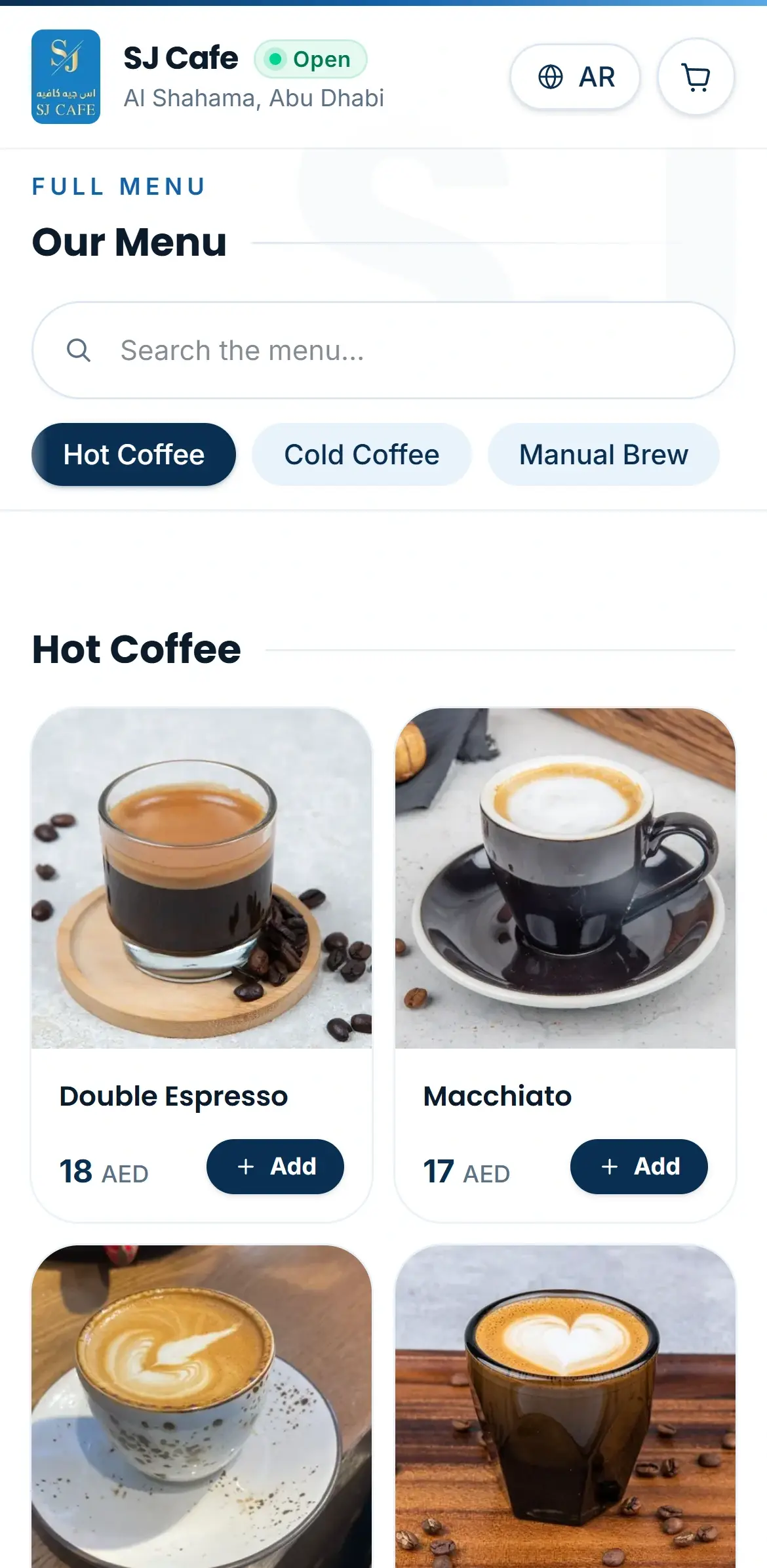
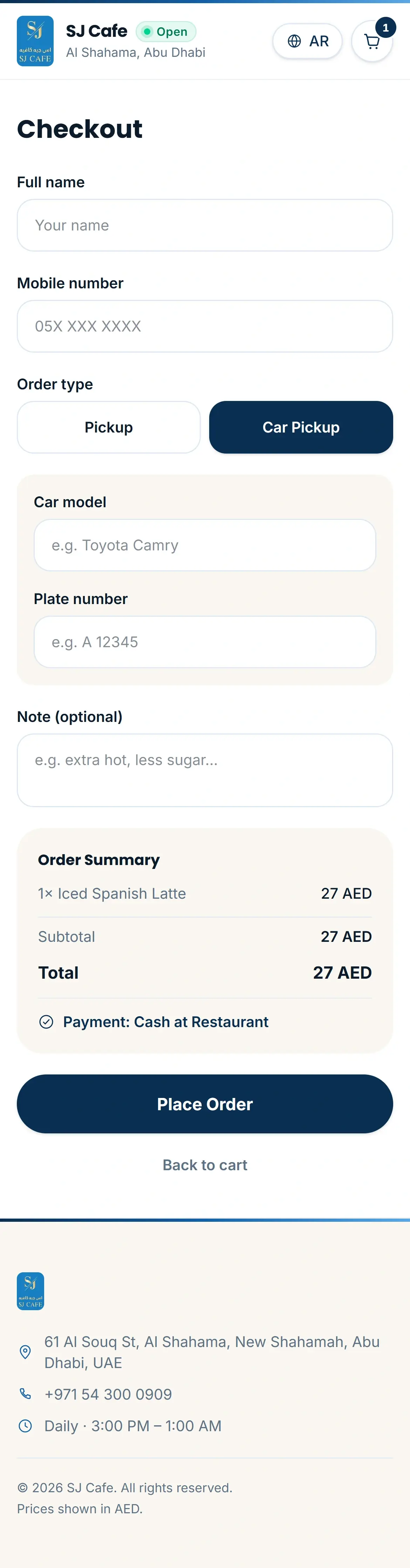
A bilingual menu concept we prepared for SJ Cafe in Abu Dhabi: the full photo menu in English and Arabic, opened from one QR code, with a cart and pickup options, including car pickup.
Concept / Showcase. Screens captured from the live demo; it does not take real orders.
Scope
What your menu can include.
Depending on scope, a café or restaurant project can include:
Digital menu
Your full menu with photos, prices and descriptions, easy to browse on a phone.
QR menu
One QR code on the table or counter opens the menu instantly, with no app to download.
Bilingual menu
English and Arabic, with a proper right-to-left layout and natural Arabic item names.
WhatsApp order-request cart
Guests build an order and send it to your WhatsApp as a request, for you to confirm.
Menu management
A way to keep items, prices and sold-out status up to date, scoped to your project.
Owner-editable content
Update opening hours, promotions or photos yourself, if your project includes it.
Reservations and contact
Simple reservation requests and contact options, shaped around how you take bookings.
Good for
For places where the menu does the selling.
- Cafés
- Restaurants
- Bakeries & dessert shops
- Coffee & juice bars
- Hotel restaurants & lounges
- Cloud kitchens
- & more
Good to know
Clear about what the cart does.
An order request, not a payment
The cart sends an order request to your WhatsApp. It is not online payment and not a confirmed order: you confirm it with the guest.
Full ordering is a custom project
Online payment, order tracking or a kitchen screen are scoped as a custom project.
Menu editing, scoped with you
Whether you update the menu yourself or send changes to us is agreed when we scope your project.
How it works
From your menu to the table, in five steps.
- 01
Discover
We learn your menu, your space and how guests order: at the table, at the counter or from the car.
- 02
Design
We design the menu around your brand and your photos. You review it before we build.
- 03
Build
Bilingual, mobile-first and tested on real phones, including the QR code and the cart.
- 04
Launch
We go live, set up your QR code and check that order requests reach your WhatsApp.
- 05
Care
Menu updates and improvements after launch, agreed up front.
Other services
Other ways we can help.
Premium Business Websites
Art-directed websites that load fast, read beautifully on a phone and work in English and Arabic.
Online Ordering Websites & Custom Systems
Custom-scoped ordering websites and systems: real online ordering, payments, staff queues and the integrations behind them.
Social Media Management
Planned, on-brand content and a steady posting rhythm, with a clear monthly scope.
Get a Quote
Tell us about your business. We’ll tell you what it needs.
Share what you have in mind and we’ll reply with clear next steps.